See workspace activity at a glance from the home page
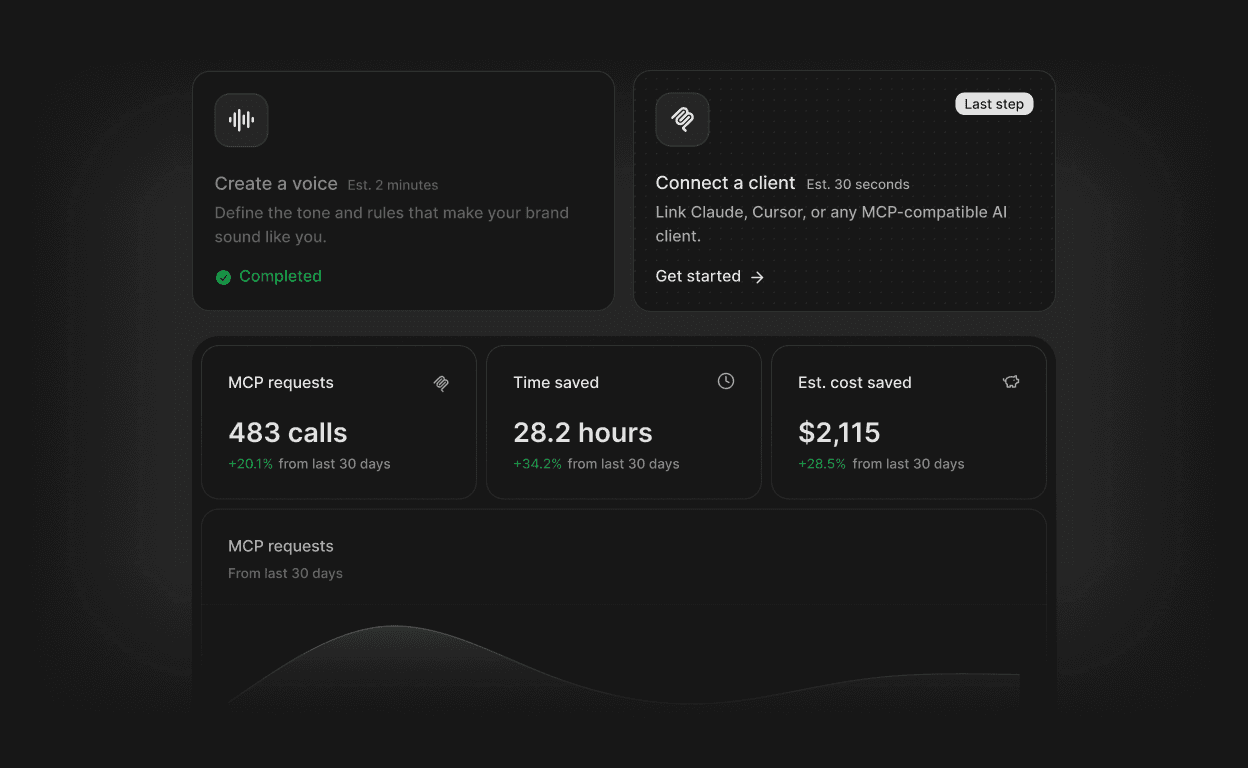
There is now a single place to understand how a workspace is performing. The home page surfaces usage trends, the most active Voices and Templates, and workspace setup status, all without leaving the app.
Usage chart: Track comm generation activity over 7, 30 or 90 days with an area chart that adapts to available data.
Top Voices and top Templates widgets: See which configurations get used most, giving teams a signal on what is working.
Onboarding widgets: Step-by-step setup cards guide new workspaces through creating a Voice, connecting MCP and inviting members, with "Start here" and "Last step" progress indicators.
Connected clients panel: Once setup steps are complete, the home page displays active MCP client connections in one view.