Organize templates your way with Labels
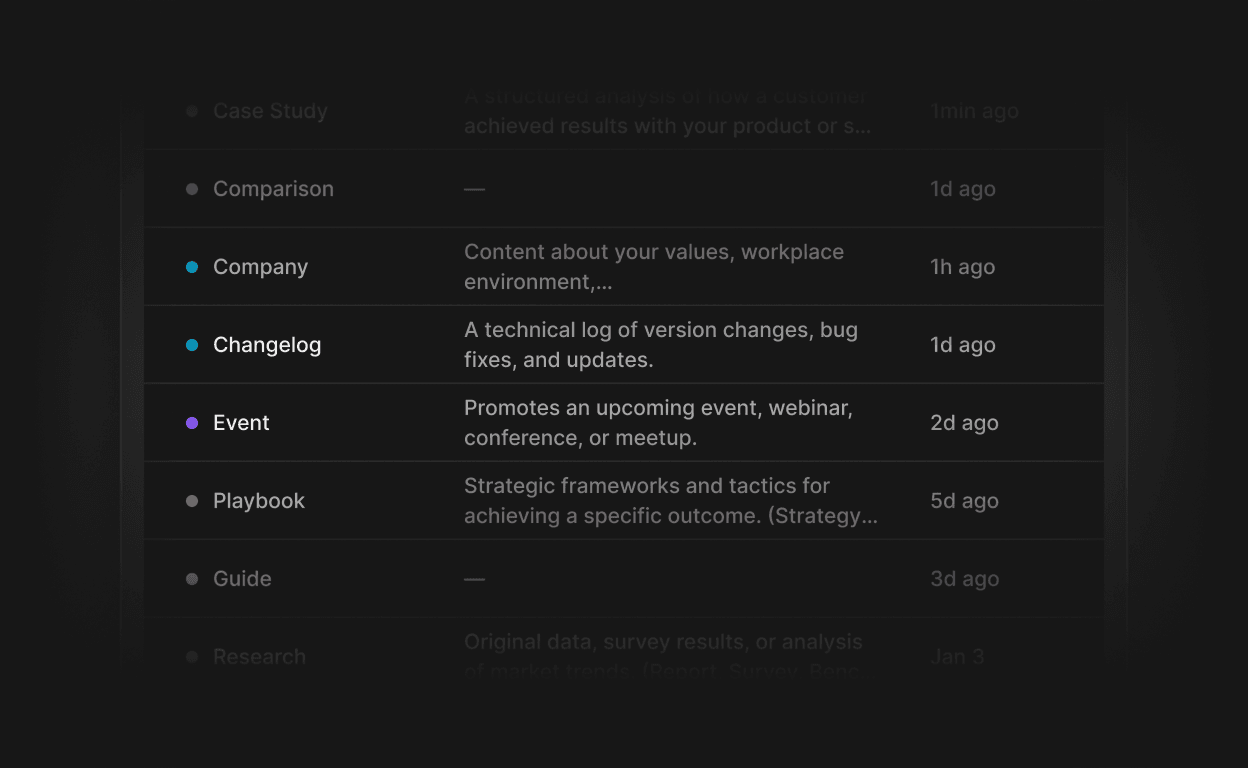
You can now tag your templates and content with custom Labels. Create labels in workspace settings, apply them as you work, and filter your template library by label to find what you need faster.
Flexible label management: create, update and delete labels from a dedicated Labels page in workspace settings, with color selection and optional descriptions.
Inline creation: apply an existing label or create a new one without leaving your current workflow.
Visual label chips: labels appear as color-coded chips on templates, with a hover tooltip showing the full description.
Replaces categories: labels are now the single system for organizing templates, with automatic migration of existing category data.
Filter by label: the template list supports label-based filtering so you can narrow down your library in a few clicks.