Comms are live in your workspace
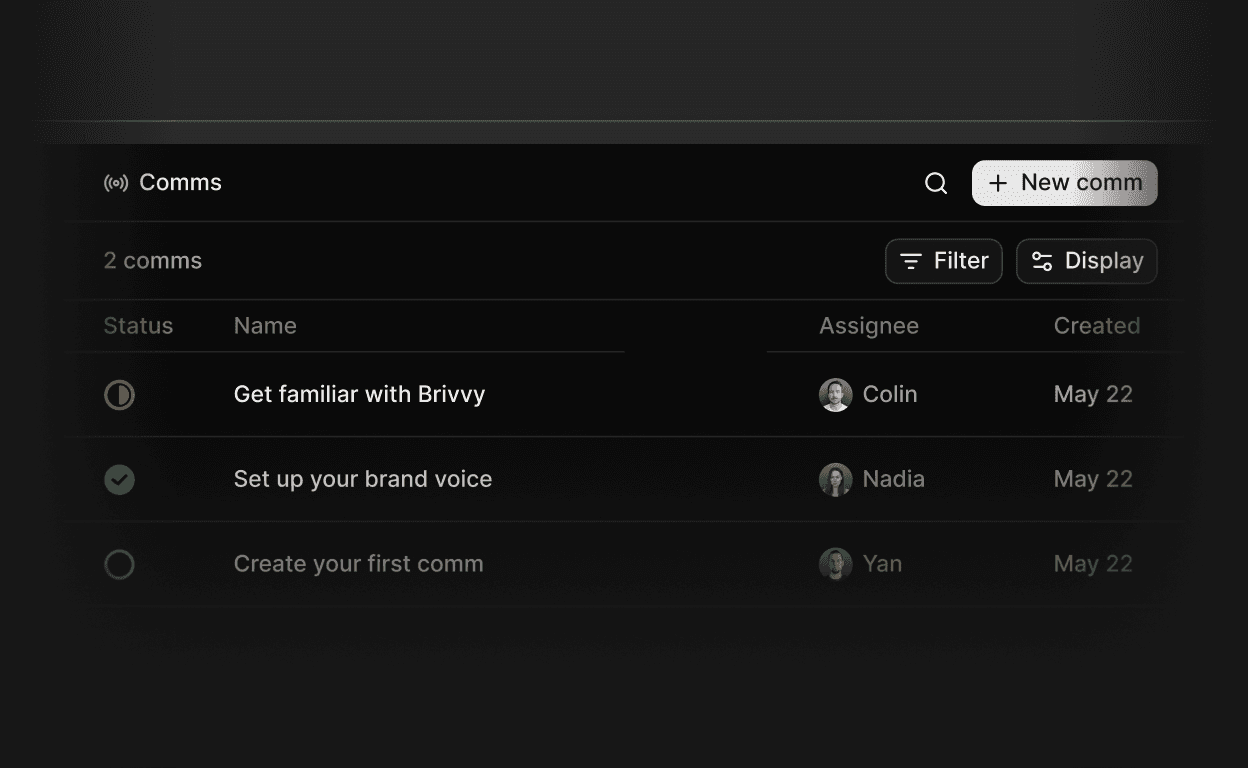
Your team can now plan, draft and ship written work in one centralized location. With Comms, every document automatically becomes a tracked workspace object
Assign a comm to any active workspace member, or invite someone new from the assign menu.
Change a comm's status from the table or the info panel as it moves toward publish.
Reassign ownership at any point without leaving the document.
Filter the comms table by assignee, creator, or status to find work in flight.
Get an email when a comm is assigned to you, so nothing waits in silence.