Share any comm as a public link
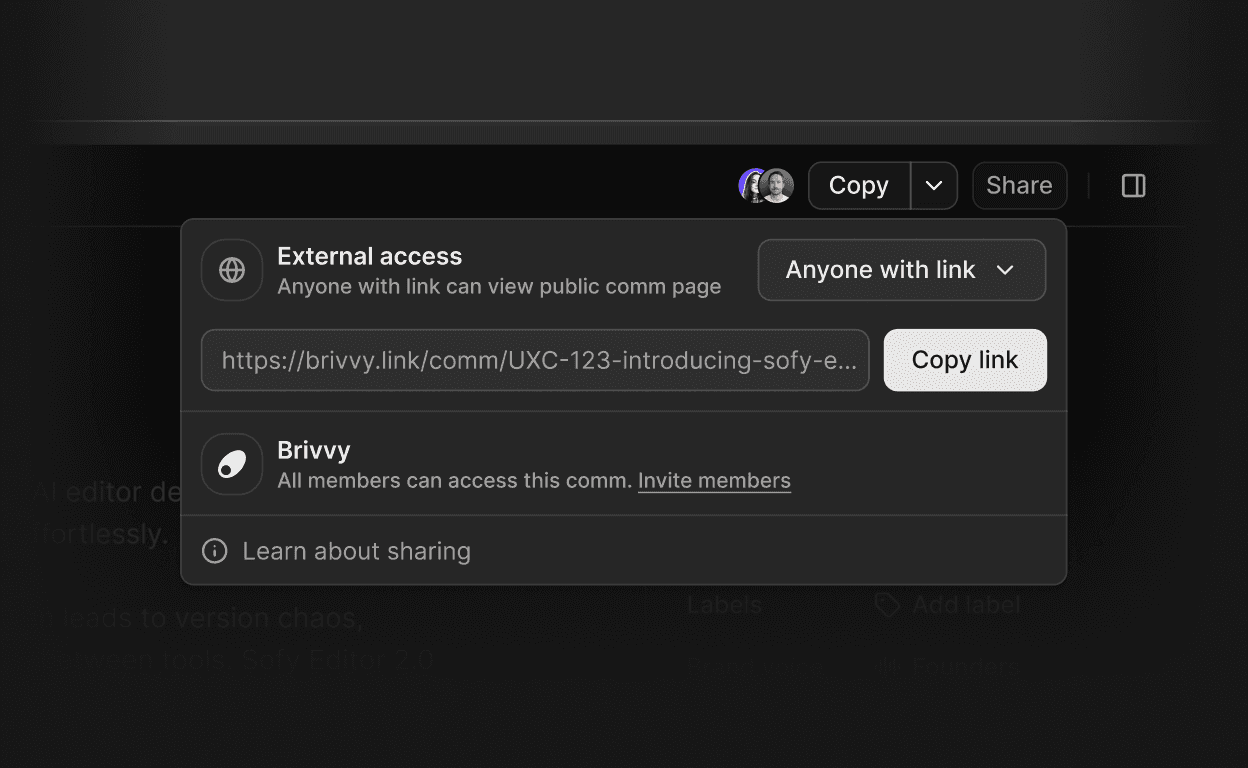
Sharing a comm no longer means sharing workspace access. Generate a public read-only link, and send polished communications to clients, investors, partners or any third party. No Brivvy account is required to view.
Enable external access from the Share menu in one step: set External access to "Anyone with link" and Brivvy generates a public URL instantly
Recipients see a clean, read-only page with full comm content - no editing, no comments, no workspace access
Revoke access at any time by switching External access back to "Not shared" - the link is disabled immediately
Regenerate the link to invalidate a previously shared URL without disabling access entirely
Available on all Brivvy plans