See the full history of every comm
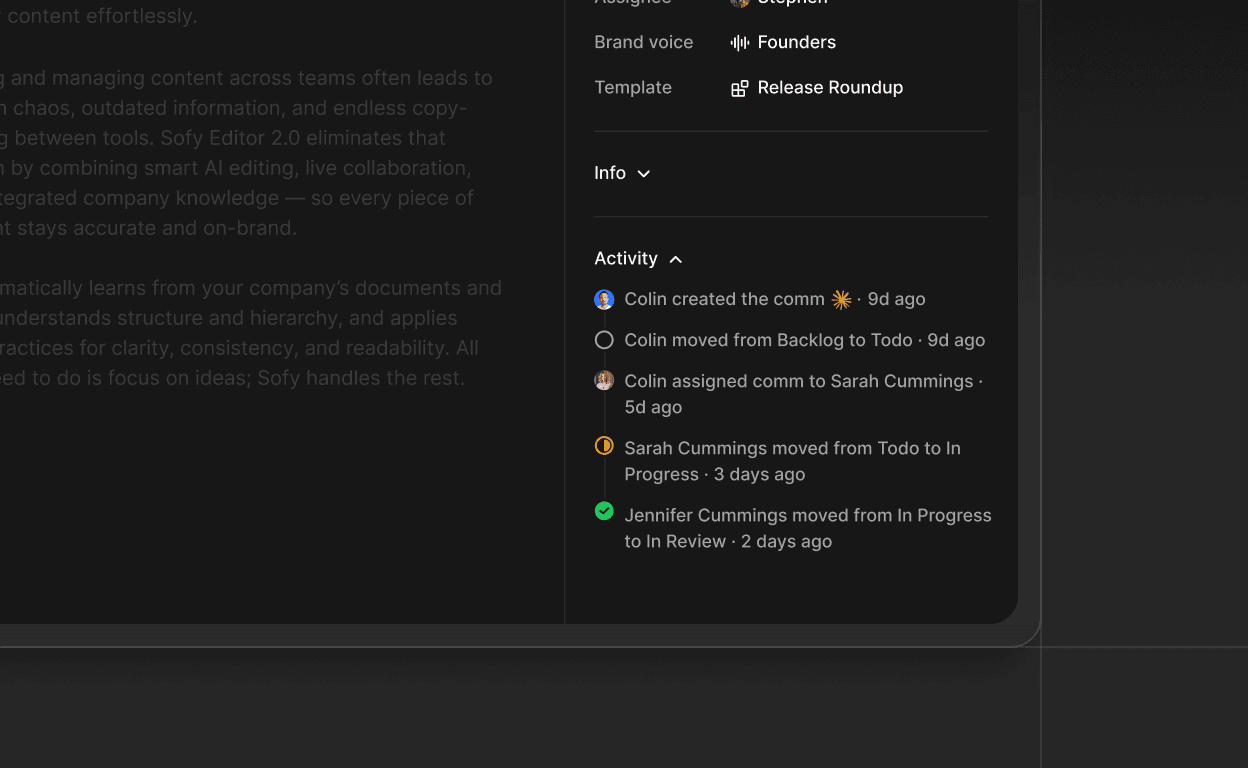
Every change made to a comm is now tracked and visible. The activity panel in the comm details sidebar shows who did what and when, so teams stay aligned without needing to ask.
Track comm creation, status changes and assignee updates in one place
See which team member made each change and the exact time it happened
Rapid back-to-back changes by the same user are consolidated to keep the history clean